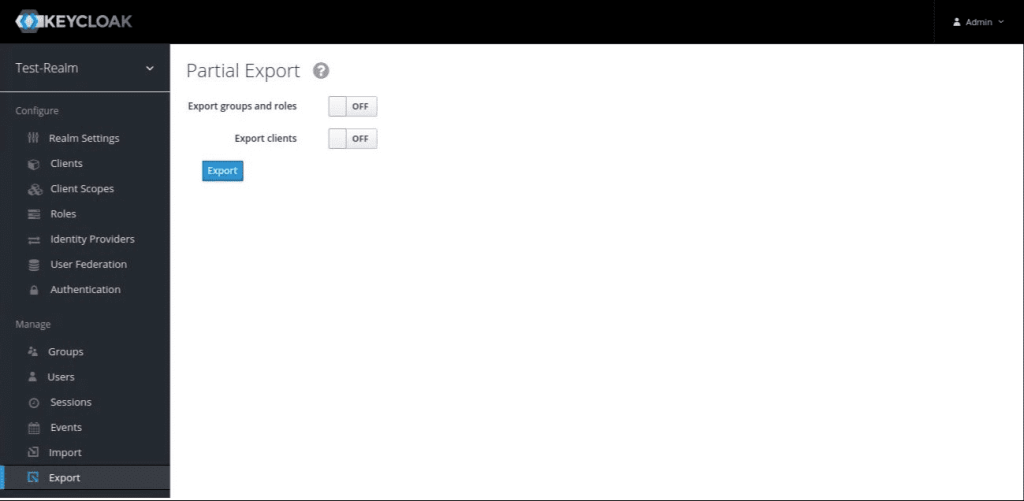
In previous version Keycloak administration console included a support for json export of a given realm. The UI on the screenshot below is missing from Keycloak version 21, hence there option is disabled and an alternative way to export a realm has to be taken.
Login in keycloak using docker command:
docker exec -it <container_name> /bin/bashNavigate to Keycloak folder:
cd /opt/keycloak/binExecute export command:
./kc.sh export --file <file-name>.json -Dkeycloak.migration.realmName=<realm-name>
The final step is to execute a command to copy the file from the docker container to the host OS. Open new CLI or exit docker from the current one:
docker cp medapp_keycloak:/opt/keycloak/bin/<file-name>.json <host-os-path>
 English